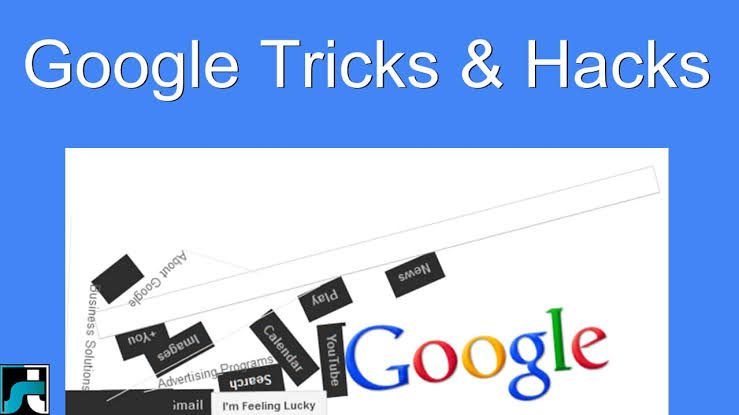
For many Internet users, Google is an integral part of life. We use the Google search engine almost on a daily basis to satisfy our unquenchable hunger for knowledge. So, it’s about time we take a break from that and look at some hidden Google tricks and easter eggs that the search engine hides behind a proverbial curtain.
Now, some readers might wonder what useful purpose these Google tricks serve. And the answer to that, to be honest, is basically none — they just exist for fun. These tricks are simply something you can show off to your friends or can learn to satisfy your geeky side.
Contents
1. Google Gravity
2. Askew
3. Thanos
4. Barrel Roll
5. Google underwater
Google Gravity
https://pagead2.googlesyndication.com/pagead/js/adsbygoogle.js?client=ca-pub-1234567890123456
This is the head of your page.
Example HTML page
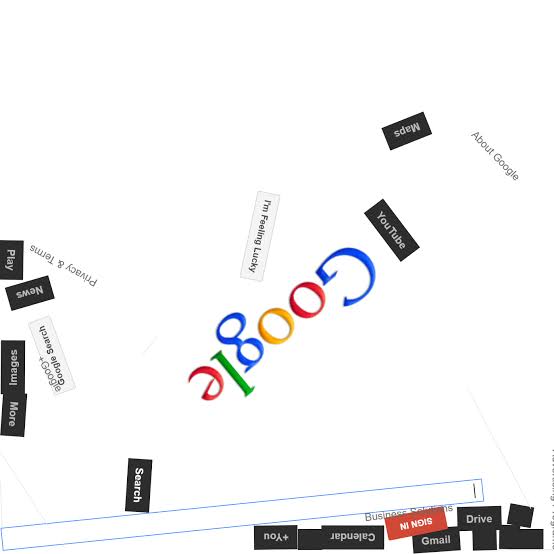
“Google Gravity” is a fun, interactive web page created by Mr. Doob (a pseudonym for Ricardo Cabello), a web developer and designer. The page can be accessed at http://mrdoob.com/projects/chromeexperiments/google-gravity/.
When you visit the Google Gravity page, you will see the familiar Google search bar and logo at the top of the page. However, as soon as the page finishes loading, everything falls apart and starts to behave as if it were affected by gravity. The search bar, the logo, and other elements on the page will fall to the bottom of the browser window and bounce around as if they were affected by the Earth’s gravity.
You can interact with the elements on the page by dragging them around with your mouse, throwing them around, or even making them explode by double-clicking on them. However, you won’t be able to perform an actual search on this page, as the search bar is purely for entertainment purposes.
Overall, Google Gravity is a fun and entertaining way to waste a few minutes of your time.
Askew
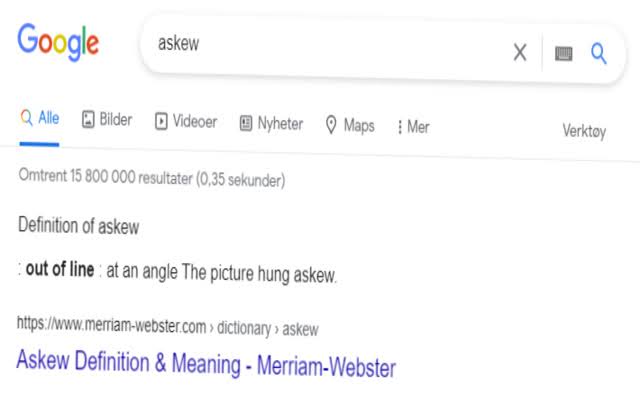
If you search for the term “askew” on Google, the search results page will tilt slightly to the right. This is a small Easter egg or hidden feature that Google has implemented to add a bit of fun and surprise to the search experience.
The tilt effect is a result of a simple CSS code that tilts the entire page by a few degrees. While it may not serve any practical purpose, it is a clever and playful way to showcase Google’s attention to detail and creativity.
Google has a history of incorporating Easter eggs and hidden features into its products, such as the “I’m feeling lucky” button and the “do a barrel roll” search query, which rotate the search results page. These features add a touch of humor and fun to the search experience and are appreciated by many users.
Thanos
“Thanos” is a character from the Marvel Cinematic Universe and the main antagonist in the movie “Avengers: Infinity War” and “Avengers: Endgame”. In the movies, Thanos is a powerful alien being who seeks to restore balance to the universe by using the Infinity Stones to wipe out half of all life in the universe.
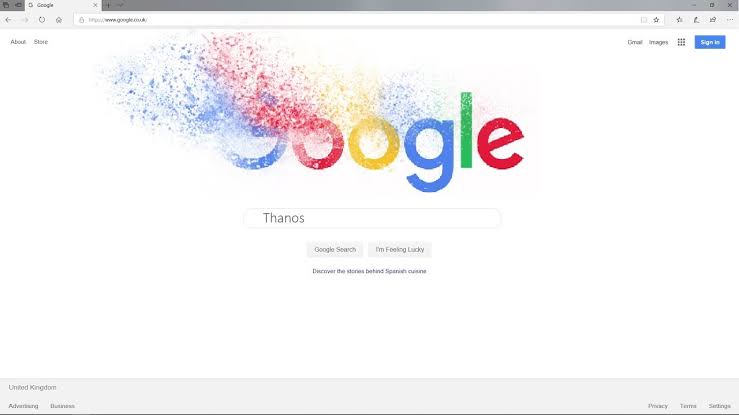
In addition to his appearance in the movies, Thanos has also been featured in various other Marvel comics, cartoons, and video games. However, when it comes to Google, there is a special “Thanos” Easter egg that was implemented by the search engine giant.
If you search for “Thanos” on Google and click on the Infinity Gauntlet icon on the right-hand side of the screen, the search results page will turn to dust and disintegrate, just like the ending of “Avengers: Infinity War”. After a few seconds, the page will reassemble itself, much like the events of “Avengers: Endgame”. This is a fun and creative way for Google to pay homage to one of the most iconic and memorable moments in the Marvel Cinematic Universe.
Barrel Roll
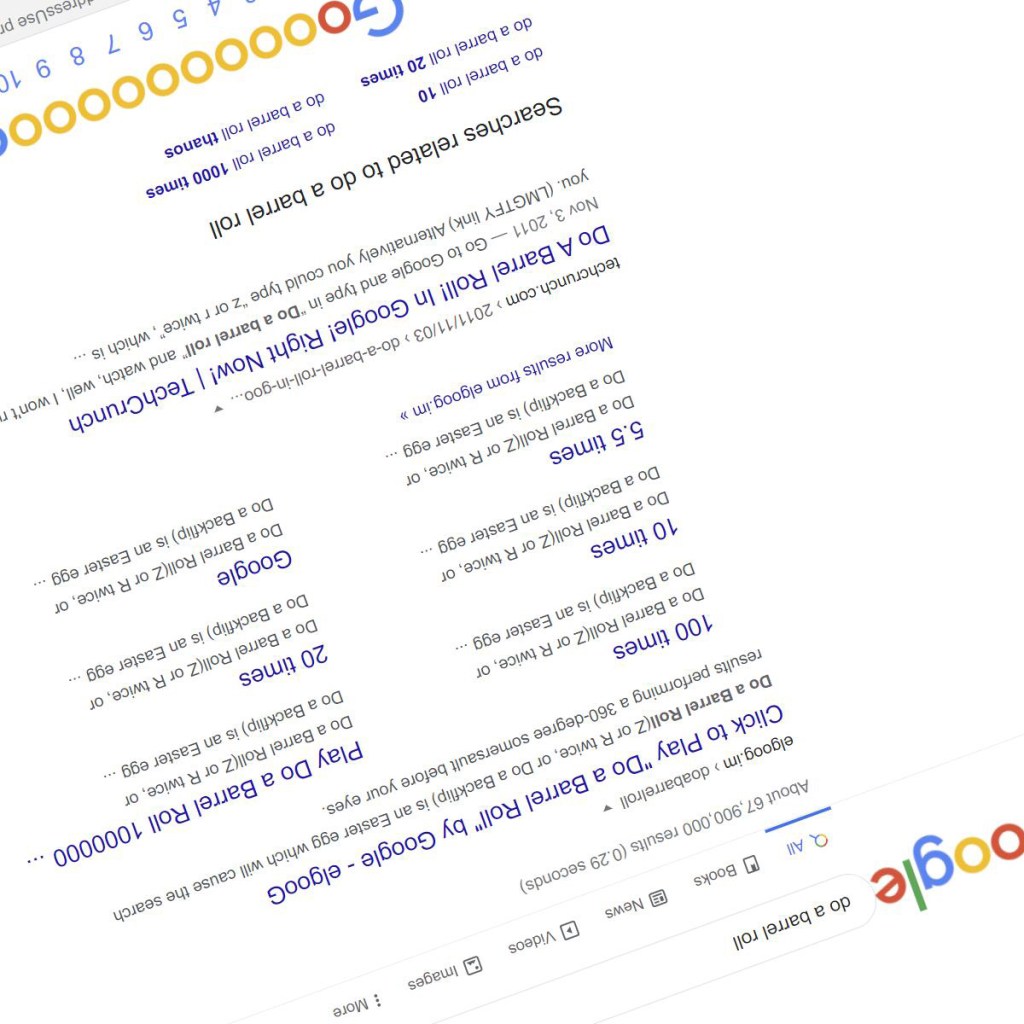
“Barrel Roll” is a well-known Easter egg or hidden feature on Google that rotates the search results page by 360 degrees. If you type the phrase “do a barrel roll” into the Google search bar and hit enter, the search results page will perform a complete barrel roll or flip, which can be a fun and surprising experience for users.
This Easter egg was implemented by Google as a playful way to showcase its programming skills and attention to detail. The barrel roll effect is achieved using a simple CSS3 code that rotates the entire page by 360 degrees when the search results are displayed.
Since its implementation, the “barrel roll” Easter egg has become quite popular among Google users, and it has inspired other hidden features like the “tilt” effect, which tilts the search results page slightly when you search for the word “askew”. These features add a bit of fun and entertainment to the Google search experience and are appreciated by many users
Google Underwater
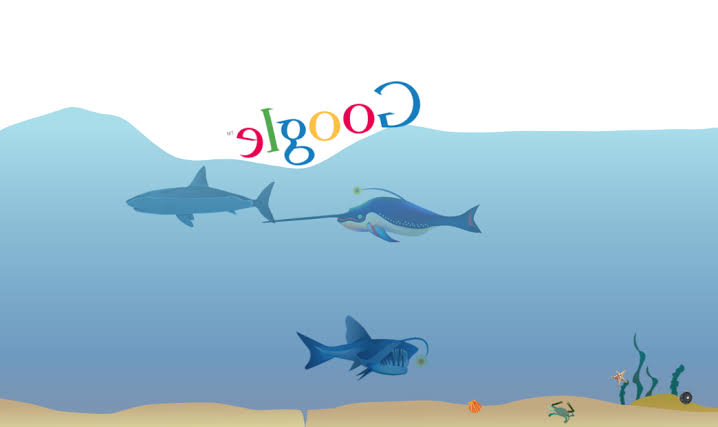
“Google Underwater” is not an official feature or Easter egg of Google, but there are various websites and Chrome extensions that allow you to experience Google in an underwater setting.
One of the popular websites that offer this experience is called “Google Underwater Search”. When you visit the site, you will see a Google search bar and logo in an underwater setting, complete with marine life and bubbles. You can type in your search query and hit enter to see the search results, which will appear in a floating box that looks like a bubble. You can also click on the various marine creatures to see fun facts and information about them.
There are also various Chrome extensions that offer similar underwater experiences, such as “Underwater Google” and “Underwater World”. These extensions allow you to set Google as your default search engine and give you an underwater background for your search experience.
Overall, Google Underwater is a fun and entertaining way to experience Google in a different setting. However, it is important to note that these websites and extensions are not affiliated with Google and should be used at your own risk

 Mr GoGo Technical